



Draft for review: have your attorney review this text before the site goes live.
We want everyone to be able to learn about our services, book a review and reach our team, including people who use a keyboard, a screen reader, voice control, magnification or other assistive technology.
On this page
Our goal
We aim to meet the Web Content Accessibility Guidelines (WCAG) 2.1 at level AA across this website. Accessibility is part of how we design and review every page, and we keep improving it as we learn.
What we have built in
- Keyboard access: every link, button, menu, tab and form can be used with a keyboard, with a visible focus outline. A "Skip to content" link is the first thing on every page. Tabs move with the arrow keys, and menus and dialogs close with the Escape key.
- Clear structure: one main heading per page, headings in order, landmarks for the header, main content and footer, and descriptive page titles.
- Text alternatives: meaningful images have alt text. Decorative images and animations are hidden from screen readers.
- Color and contrast: body text meets a contrast ratio of at least 4.5 to 1, and color is never the only way information is shown.
- Resizable text: pages reflow when you zoom up to 200 percent or use a narrow screen, without losing content.
- Reduced motion: if you turn on "reduce motion" in your device settings, we turn off scrolling effects, auto playing animations and moving backgrounds.
- Forms: every field has a visible label, required fields are marked, and errors are described in text.
- Status messages: updates such as form confirmations, calculator results and new chat messages are announced to screen readers.
Ava and live chat
Ava, our website assistant, works by text or by voice, so you can use whichever suits you. In voice mode, Ava's spoken replies are shown as captions on screen, and the full conversation is available as text. You can mute Ava's voice at any time. Live chat with our team is text based and works with a keyboard and screen readers.
Known limitations
- The 3D shapes, moving product screens and floating panels on some pages are decorative. They are hidden from screen readers, and the same information is available in the page text.
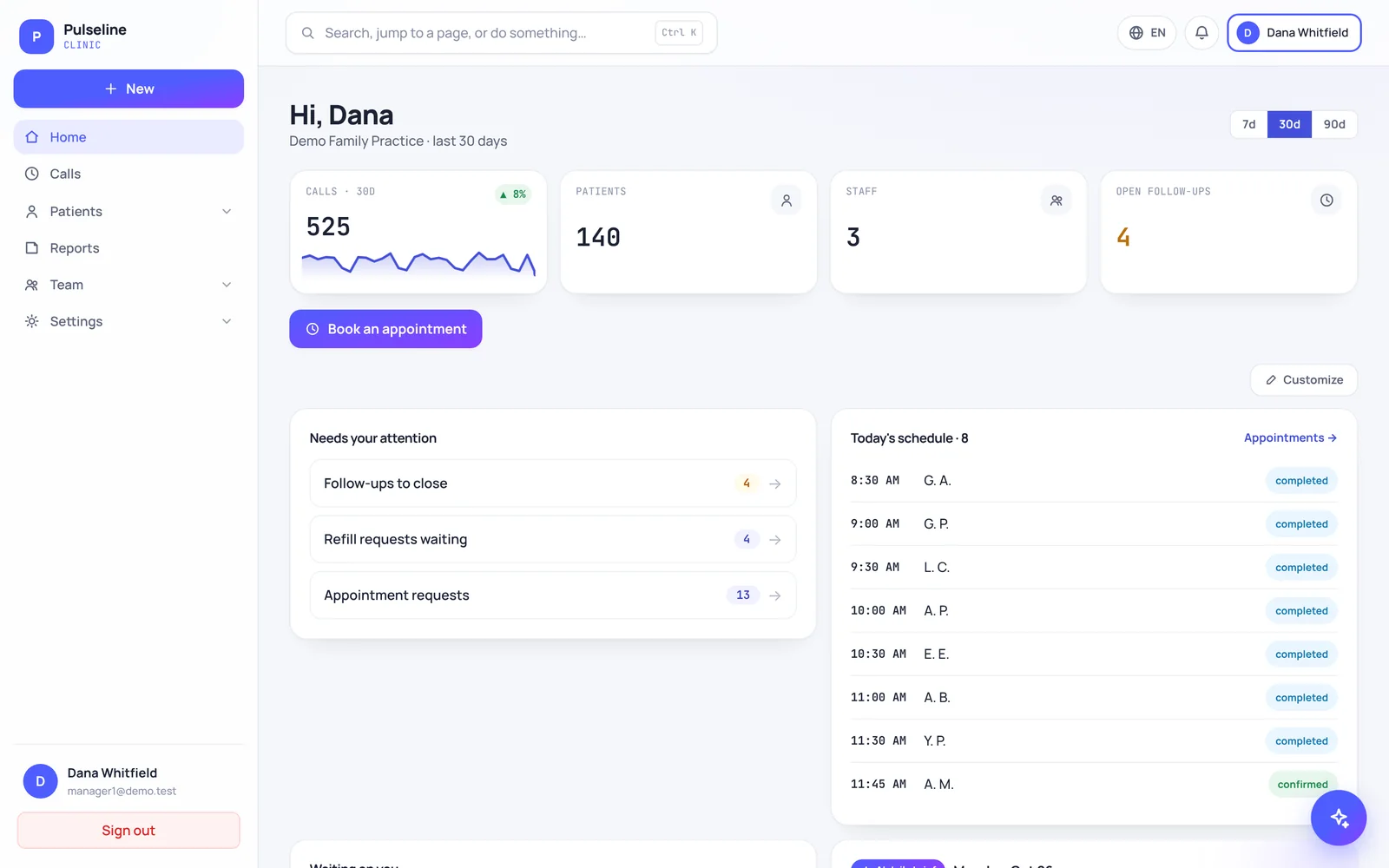
- Product screens of Pulseline and MDClaim360 are pictures with sample data. They have short text descriptions, not a full description of every number on screen.
- Voice input depends on your browser's speech recognition, which some browsers do not support. Typing always works.
- Office map links open Google Maps, and review meetings use Microsoft Teams. We do not control the accessibility of those services.
If any of these get in your way, contact us and we will give you the information another way.
How we test
We test pages with the keyboard only, at phone, tablet and desktop sizes, with reduced motion turned on, and with automated accessibility and contrast checks. We welcome reports from people who use screen readers and other assistive technology, because they help us find what automated checks miss.
Get help or give feedback
If something on this website does not work for you, tell us what page you were on, what you were trying to do and what technology you use, if you are comfortable sharing it. We aim to reply within one business day and will work with you to fix the problem or get you the information another way.
- Email: contact@incaremd.com
- Phone: (833) 4-CARE-98 ((833) 422-7398), Mon–Fri 9 AM–5 PM EST
Other ways to reach us
You never need to use the website to work with us. You can call or email us to ask a question, get a quote or book a free practice review, and we can send any page of this website as plain text or in another format on request.
Formal complaints
If you are not satisfied with our response, email contact@incaremd.com with the subject "Accessibility complaint" and a senior member of our team will review it and reply in writing.